01
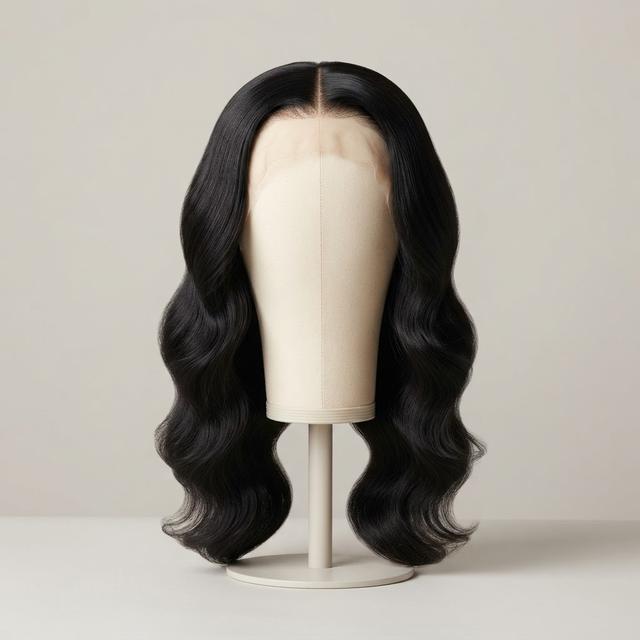
Upload one wig photo
Use a clear front view. Show the part, hairline, colour and full length.
AI photography for wig brands
Turn one wig photo into six model images.
Different ages. Different settings.
Made for your store and social feeds.
For independent wig brands.
From your next drop to your daily content.
Your wig. Your brand. A whole new visual story.
Your wig photo
Illustrative AI-generated images. Review before publishing.
For wherever
you sell.
How it works
Made for busy hair-brand founders. One product shot becomes a new content set — without booking a studio day.
01
Use a clear front view. Show the part, hairline, colour and full length.
02
Pick a model’s age, skin tone and setting. From studio shots to everyday scenes.
03
Review the hair details, then download images for your store and social posts.
One wig in. Six looks out.
One black body-wave wig. Six adult ages. Six different settings. A fresh visual story from a single upload.
Your upload
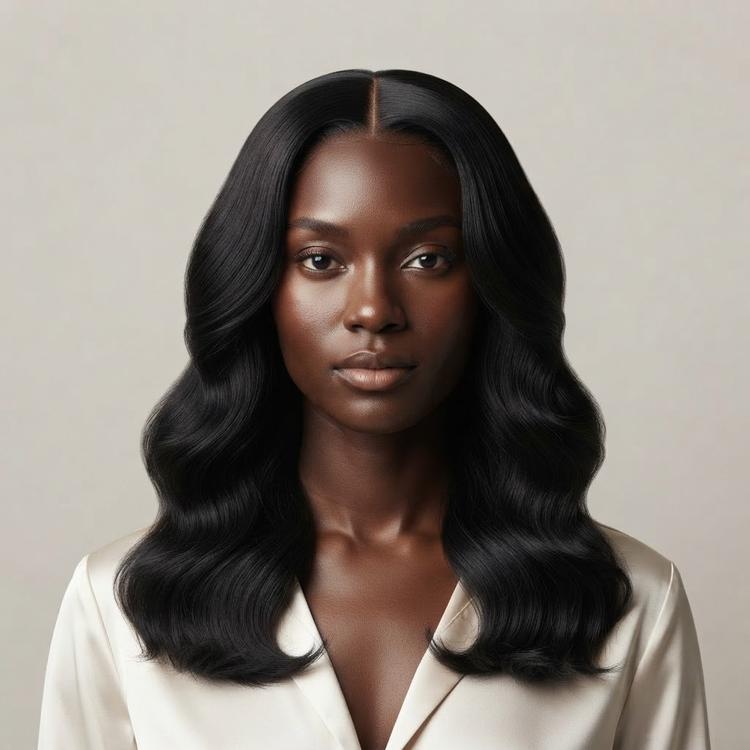
01 / 20s · Studio
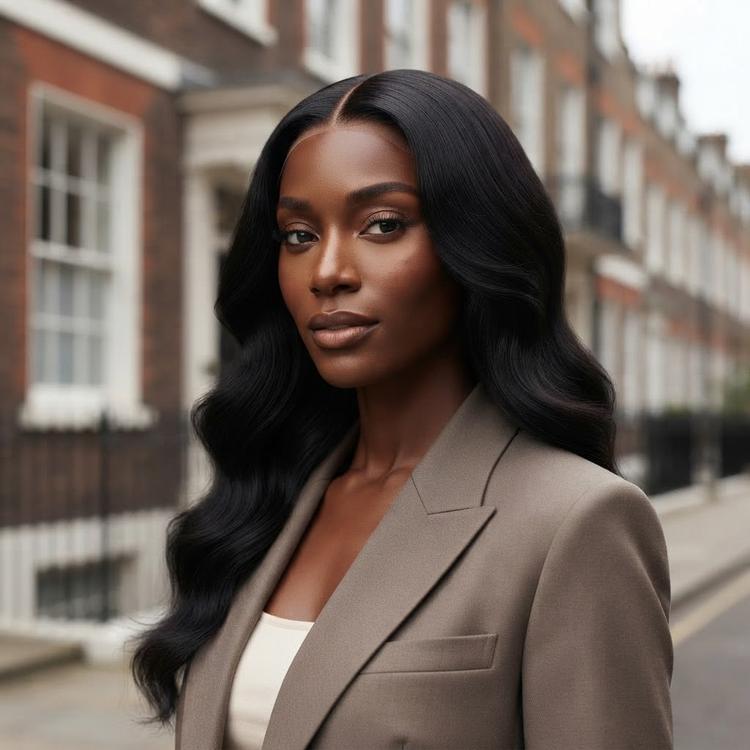
02 / 30s · City
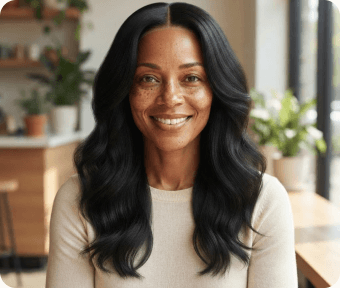
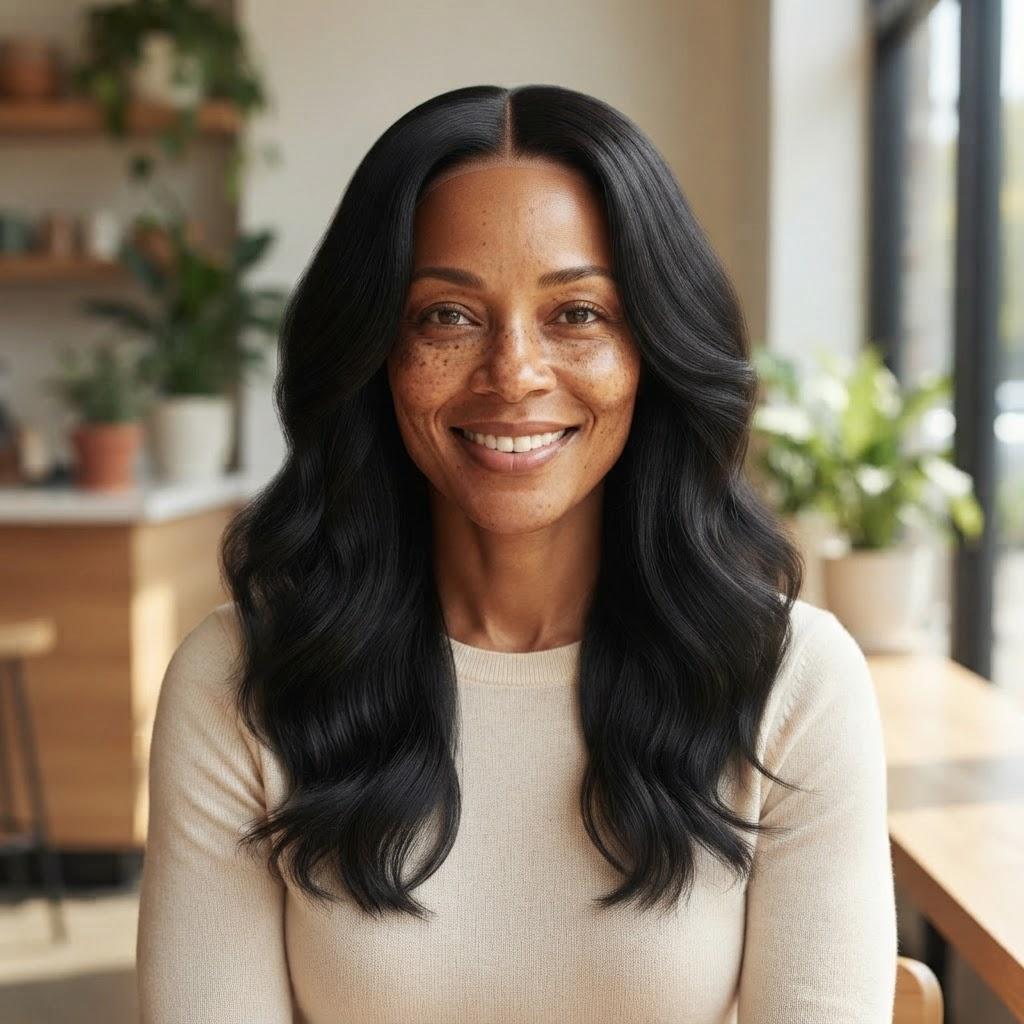
03 / 40s · Café
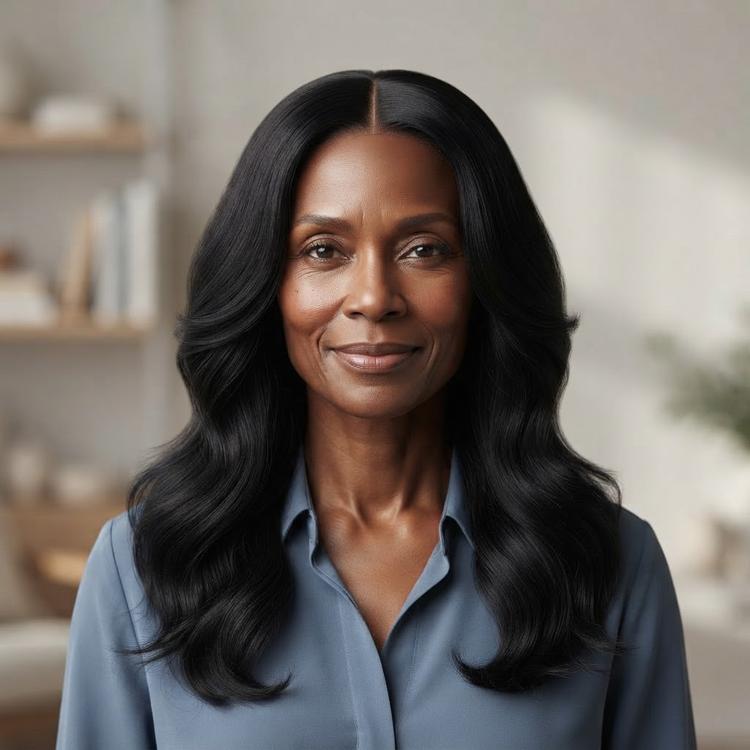
04 / 50s · Workday
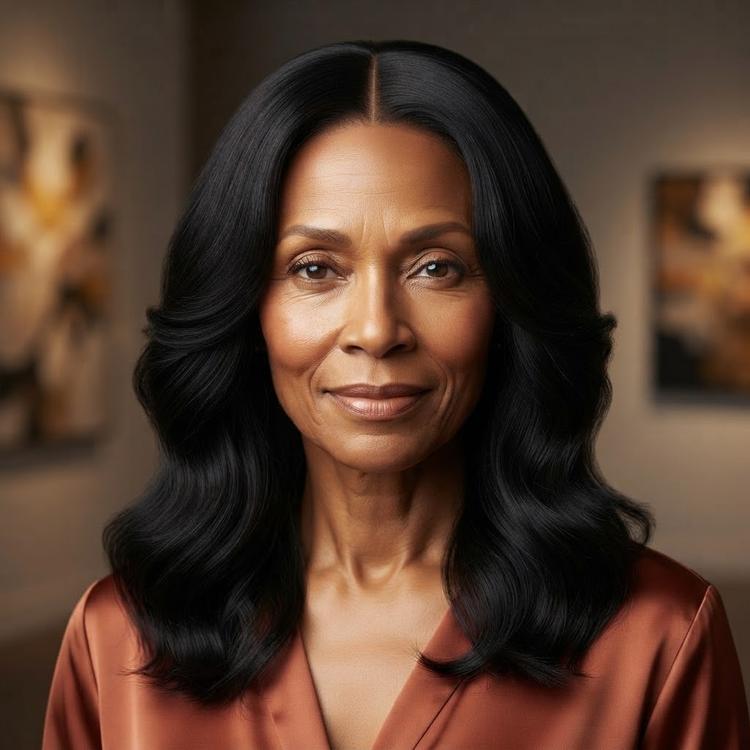
05 / 60s · Evening
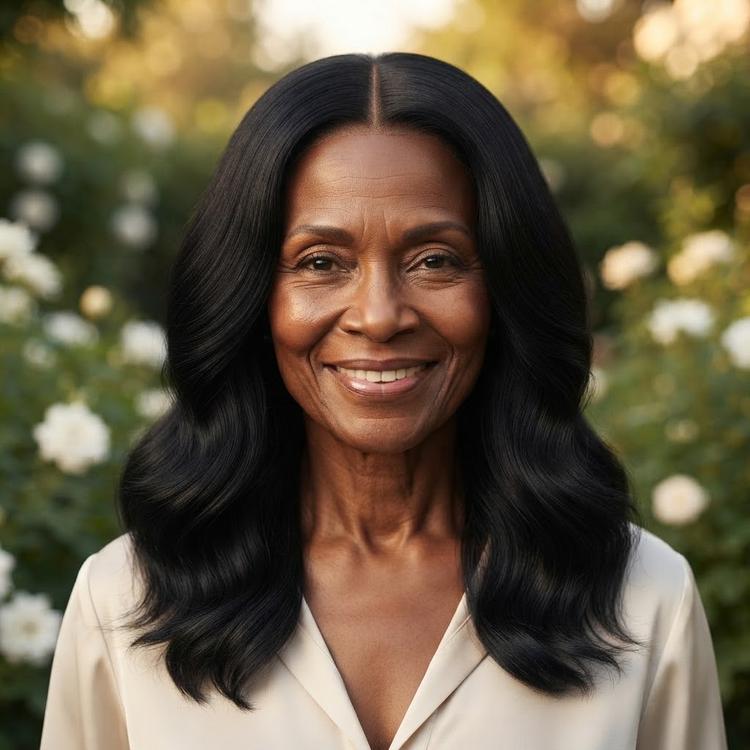
06 / 70s · Garden
Illustrative AI-generated images. Check the lace, part, length, density and colour before you publish.
More ages. More ways to see herself.
Show your wig on Black women across generations, skin tones and everyday moments.

40s / Everyday confidence.

50s / A confident workday.

70s / Everyday, beautifully.
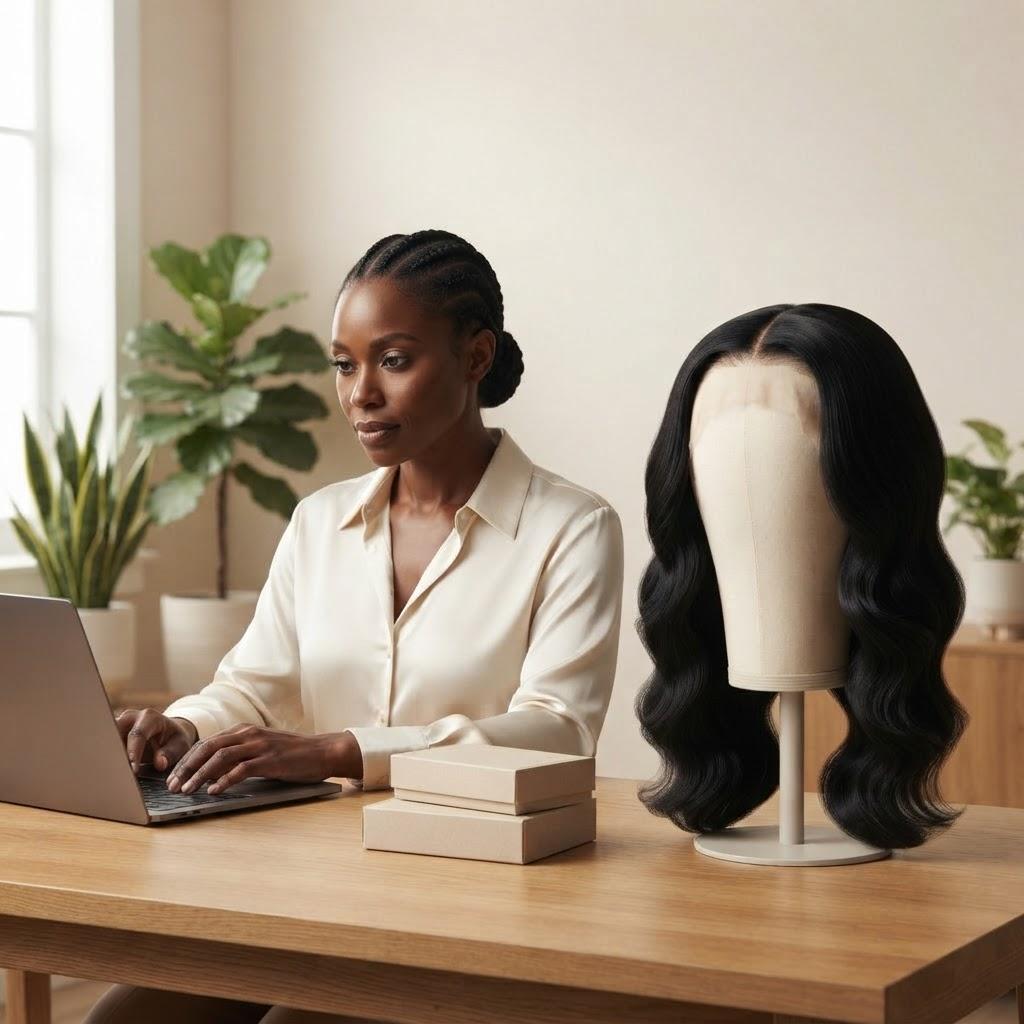
Illustrative founder scene. AI-generated.
Built for independent hair brands
Running your hair brand on your own? Create a versatile set of model images from one wig photo — ready for listings, ads and social.
No model bookings / No location scouting
Create my six looks ↗Your wig. Your creative control.
Choose ages, models and settings in one place. Review six results before you download.
One wig in. Six looks out.
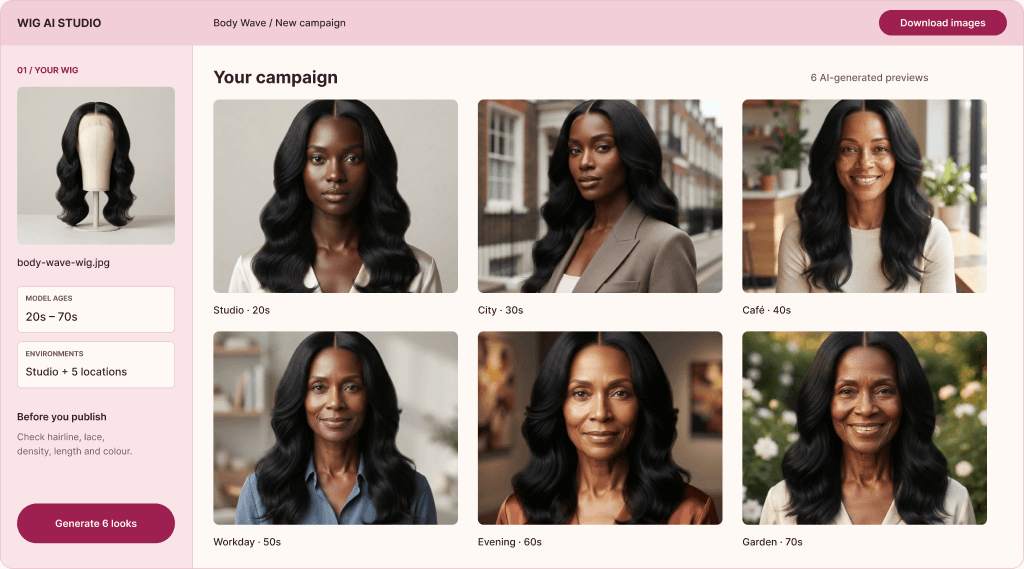
Illustrative studio interface. AI can change hair details; always review every result before publishing.
The details
A few things to know about creating images for your hair brand.
An AI photo studio that turns one wig photo into six model images across ages and settings — built for independent wig brands.
No. Start with a clear wig photo, then choose model ages and settings in the studio.
Use a well-lit front view with the full wig visible. Keep the part, hairline, colour and length clear.
Download images for your storefront, listings and social content. Check the lace, part, density and colour before you publish.
AI can alter lace, density, colour or length. Review each result; accuracy depends on your source photo and settings.
Your brand deserves to be seen.
Start with one wig photo. Build your next visual story.